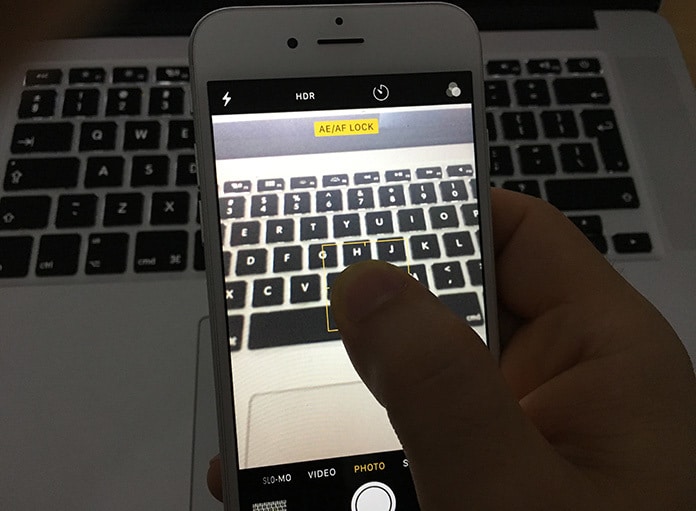
Why Is Your iPhone Camera Not Focusing?
This issue was mostly reported in the iPhone models 6 Plus, 5 or 4s. The primary reason behind this issue is the new iOS update and loose lens position.How Can You Fix This Issue?
Fix 1: Tap your iPhone
Using the palm of your hand, touch the iPhone’s top (rear camera lens end). This fix solved the issue for many iPhone users.
Fix 2: Push and grip the iPhone camera button
Keep holding the iPhone camera button until the camera focuses. Let go of the button when an image appears clear.
Fix 3: Take off the iPhone case
Sometimes, your iPhone case keeps the camera from focusing and makes images blurry. Taking it off while you’re using camera to shoot pictures and videos will solve this issue.
Jihosoft iPhone Backup Extractor Extract and recover all types of data from iPhone backup files, such as camera roll photos, videos, SMS, contacts, reminders, WhatsApp, and etc.
Gihosoft Free iPhone Data Recovery is a professional iPhone Data Recovery software to get back all your lost text message, photo, video, call history, note, contact and more from iPhone/iPad/iPod Touch.


No comments:
Post a Comment